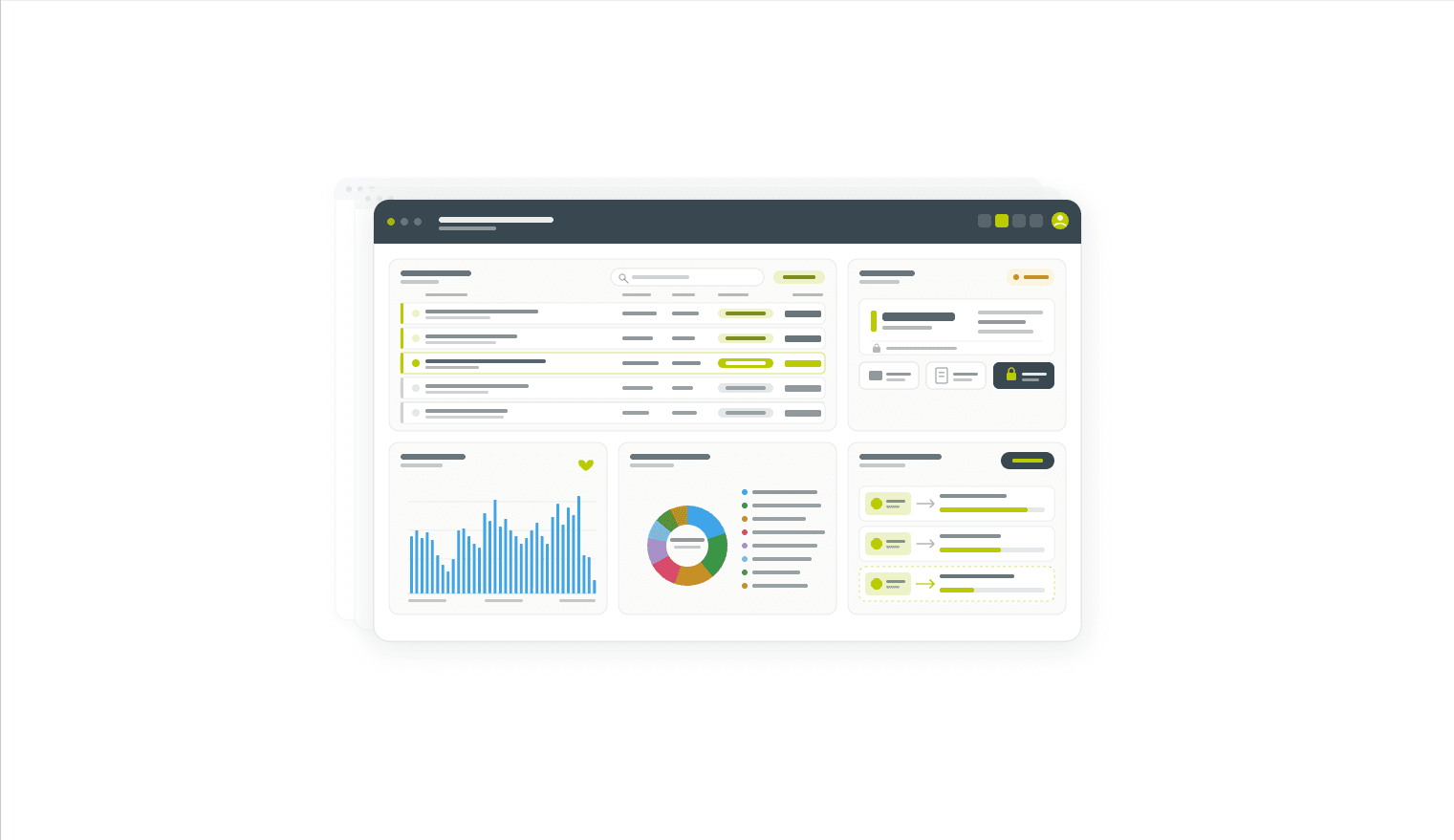
A redesigned screen that puts orders, divisions, invoicing and customer behaviour in a single view, configurable per user.
Share this article
Most floriculture salespeople know the tab dance. Order lines open in one window, available stock in another, the invoice screen in a third, the customer's history somewhere on a second monitor. A single sales call can mean six screens, four reloads and two missed details. Repeat that fifty times a day and the cost adds up: slower handling, more keying errors, and a fuzzier sense of which customers are actually worth the attention.
FreshPortal's new Sales Workspace pulls all of that into one place. It is the most complete order overview in the platform: order lines, divisions, invoice status, payment behaviour and customer activity sit side by side in a six-area layout that each user configures to their own workflow.
What the workspace actually does
The Sales Workspace is built around the daily reality of a sales desk, not the structure of a database. Pick an invoice and you immediately see the open order lines on it, the divisions already coupled to those lines, and the available stock that could fill what's left. Snel verdelen and side divide let you couple batches to order lines in a few clicks, without leaving the screen. Invoice actions, including labels, packing slips and lock status, are handled in place.
The customer side runs in parallel. Historical sales prices for the selected batch are one panel away, filtered automatically on the relevant product characteristics. Customer activity charts sit next to the order, covering weekly revenue, order count, outstanding invoices, webshop logins, top product groups, seasonal pattern, and credits and claims. Worth picking the seasonal pattern out specifically: a year-on-year view of order volumes makes it obvious when a returning customer's pattern is breaking down, well before it shows up in a quarterly review.
A practical example
A trader is on a call with a German rose customer. They open the customer's open invoice and see eight order lines, three of them still unallocated. The historical price panel shows what this customer paid for the same Rosa grootbloemig variety in the last three weeks. The seasonal pattern chart shows their 2026 volume tracking well above 2025 through Q1, then dropping off sharply in May. With one quick allocation action, the open lines are matched to available batches; the trader uses the rest of the call to ask the right question about that May drop, instead of mailing about it the next day.
Who gets the most out of it
Sales teams handling multi-line orders against partial stock, especially exporters running customer-specific pricing and credit agreements. The configurable layout matters more than it sounds: a Floriday-heavy desk, a klok-heavy desk and an export desk all want different blocks in different positions, and now they can have them. The customer activity charts only earn their place once there's enough sales history to make the patterns real, which is to say, after a few months on the platform.
What changes day to day
Fewer screens open, fewer reload-and-search cycles, fewer "let me check and call you back" moments. Allocating partial orders against available stock stops being a context switch and becomes part of the same flow as taking the order. And the customer activity panels turn what used to be a gut feel about a customer into something a salesperson can point at.
See the new Sales Workspace in action
Book a walkthrough with one of our consultants, or ask for a sample layout configuration to try alongside your current setup.