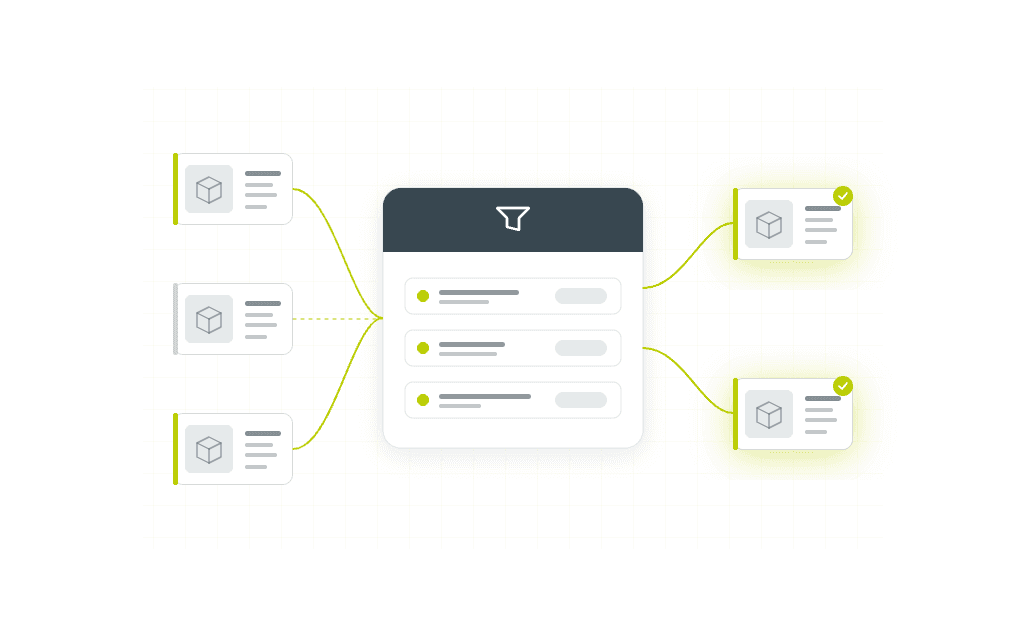
Filter Sets brings centralized, reusable data selection to every screen in FreshPortal
Share this article
When the same filter gets rebuilt by different people on different screens, it rarely stays the same. One person picks slightly different criteria. Another forgets a condition. Before long, two overviews that should show identical data don't, and nobody knows why.
Filter Sets closes that gap. Filters are defined once, centrally, and then linked to whichever object types and screens need them. Every user applying that filter sees the same selection, every time.
How it works
Build a filter set by selecting fields, setting operators (equals, contains, is one of) and grouping conditions with AND/OR logic. Save it with a clear name, and it becomes available to link across your FreshPortal environment.
Example
A consultant configures a filter for active growers with specific product criteria. That filter is linked to the purchase overview, the supplier list, and a customer-facing selection screen. One update in the filter set propagates everywhere. No per-screen maintenance, no version drift.
What changes for your team
Filters that used to be rebuilt from memory, slightly differently each time, become a shared resource with a name and a known definition. Users apply them in seconds. Data comparisons between screens become trustworthy, because the same logic runs on both.
It's most valuable in environments where the same selection criteria appear across multiple workflows, and where consistency between those views matters for operational decisions.
Want to see it in your environment?
Book a short walkthrough with one of our consultants, or ask for a sample configuration to explore the logic before a live session.